 FlipbookIQ
Download
Get FlipbookIQ
The quickest way is no download at all. If you live in Word or PowerPoint, the add-in puts the button where you already work.
Use it in your browser
Nothing to install. Sign in with your email and drop in a PDF. Works on Windows, Mac, Linux and Chromebook.
Add-in for Word and PowerPoint
Free. A small file that adds a Make a flipbook button to the ribbon. Same account, same flipbooks.
Install the add-in
Two minutes, one small file
Word and PowerPoint install add-ins from a small file called a manifest. It has no code in it: only the add-in’s name, its button and the address it loads from.
- Download the file above (
FlipbookIQ-manifest.xml). - Word or PowerPoint on the web: Add-ins → More Add-ins → My Add-ins → Upload My Add-in, and choose the file.
- Word or PowerPoint on Windows: save the file in a shared folder and add that folder as a trusted add-in catalog. The full steps, with pictures of where to click, are in the install guide.
- Use it: a Make a flipbook button appears on the Home ribbon.
Where it works
- PowerPoint on Windows, Mac and the web
- Word on Windows renders the pages itself
- Word on Mac and the web signs you in and opens the Studio, because Microsoft does not let add-ins render a document there
Installing for a team?
Your IT admin can deploy it to everyone from the Microsoft 365 admin center using the address https://flipbook.kixlogic.com/addin/manifest.xml. The install guide has the steps for them, including what it connects to.
Free starting points
Download a template
Six ready-made documents as PDFs. Open one in the Studio, change the words, add your own photos, and publish.

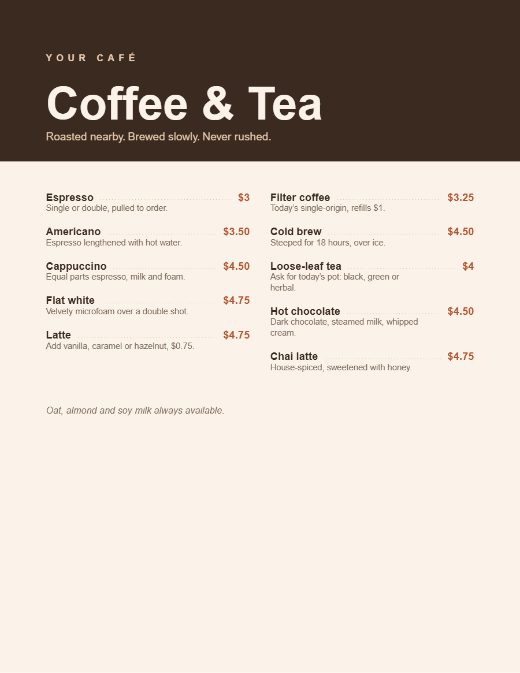

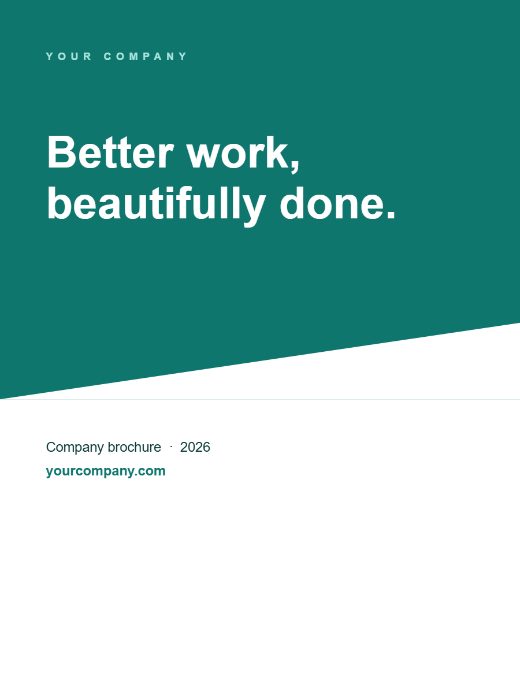

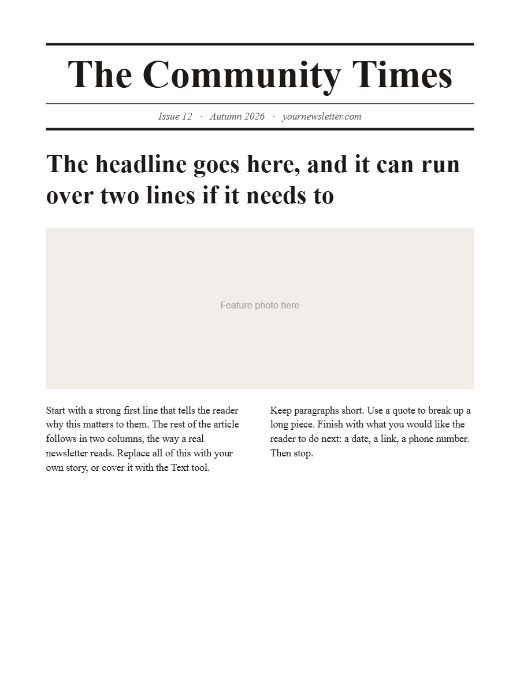
Just want to try it? Download a sample PDF and drop it into the Studio.
Before you install
Do I need Word or PowerPoint?
No. Open the Studio in your browser, sign in with your email, and drop in a PDF. If you do work in Word or PowerPoint, there is a free add-in for both that makes the same flipbooks in the same account.
Is my document uploaded?
No. Pages are rendered on your own computer, in your browser or in Office. When you publish, only the finished page images are uploaded, never the PDF, Word or PowerPoint file.
What do my readers need?
A web browser, on a phone or a computer. They do not need an account, an app or a plug-in.
Ready when you are
Start in your browser now, and add Word or PowerPoint later if you want it.