
For restaurants and cafés
A menu that is always up to date
Make your menu a flipbook guests open on their phones. When a price or a dish changes, change it once and the same link and QR code show the new menu. No reprinting, no old PDF going around.
Free to start · No card · Your file never leaves your computer
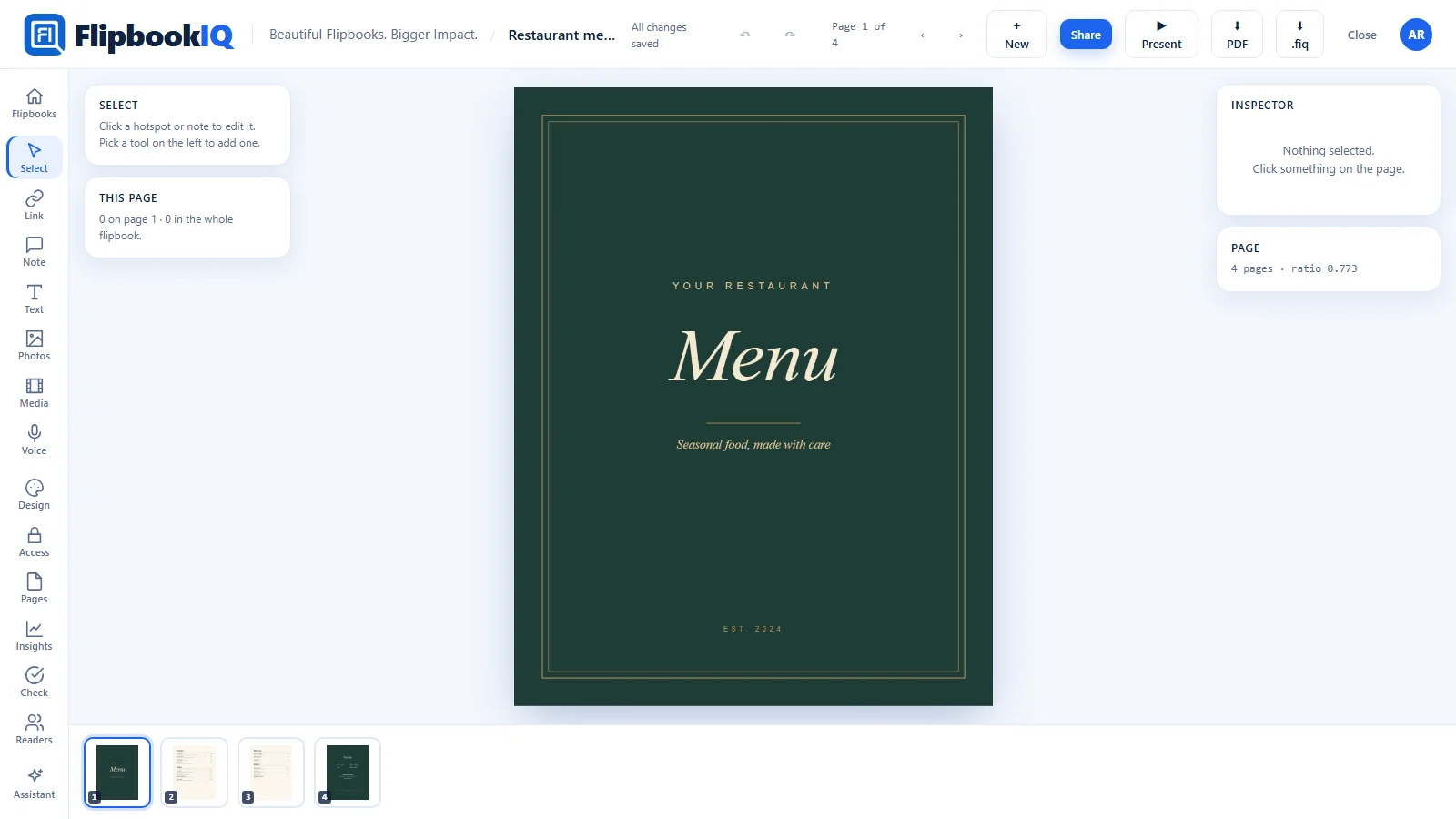
Why a flipbook
Better than sending a PDF
Change it without reprinting
Update the menu and the link stays the same. Guests who scanned last month see this month.
A QR code for the table
Print one QR code on a table card or a window sticker. It always opens the current menu.
Nothing for guests to install
A flipbook opens in the phone browser people already have. No app, no sign-in.
What it does for you
Features that fit
Some of these are part of the paid plans. The pricing page shows which.
Same link, new menu
Publish a new version and the link keeps working. Readers with the page open are offered the update.
QR code you can print
Get a QR code for the flipbook, or for a single page, from the share window.
Photos of your dishes
Search a free photo library inside the Studio and place a picture on a page.
Prices from a spreadsheet
Start from an Excel or CSV price list and turn a range of it into pages.
Readable with a weak signal
A guest can save the flipbook to read with no connection.
On your website too
Copy the embed code to show the same menu on your own site.
Free starting points
Templates made for this
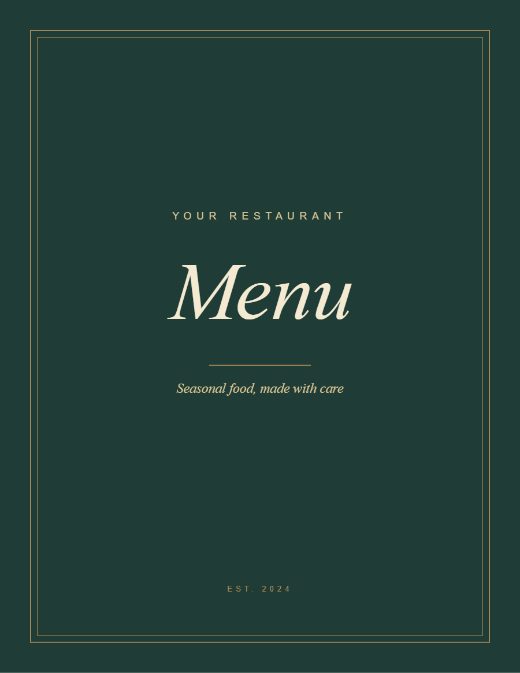
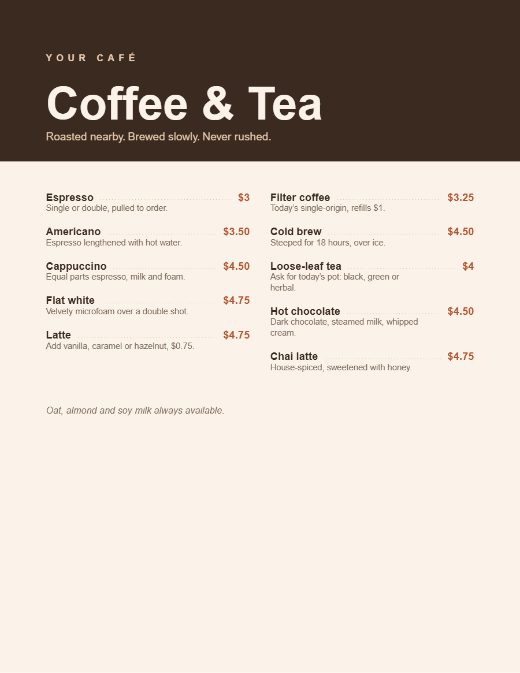
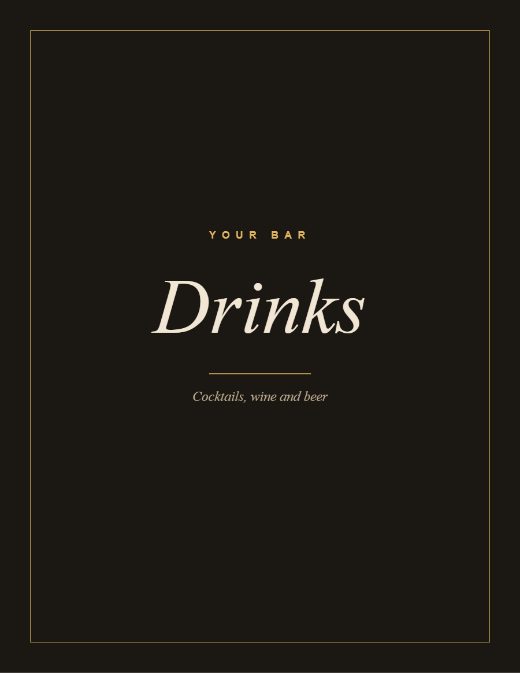
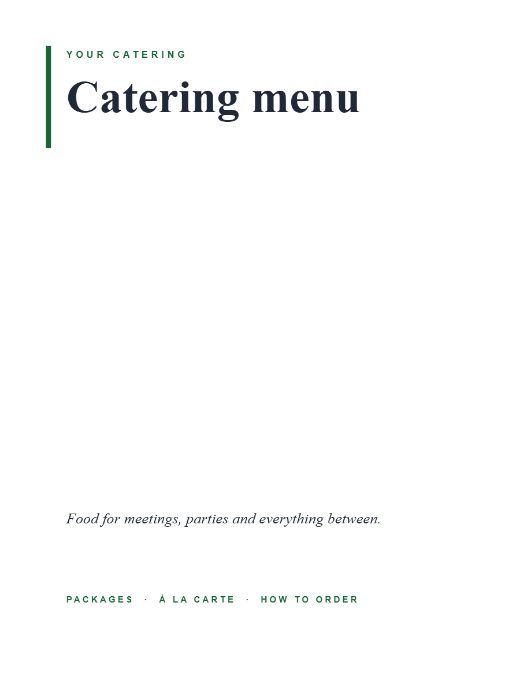
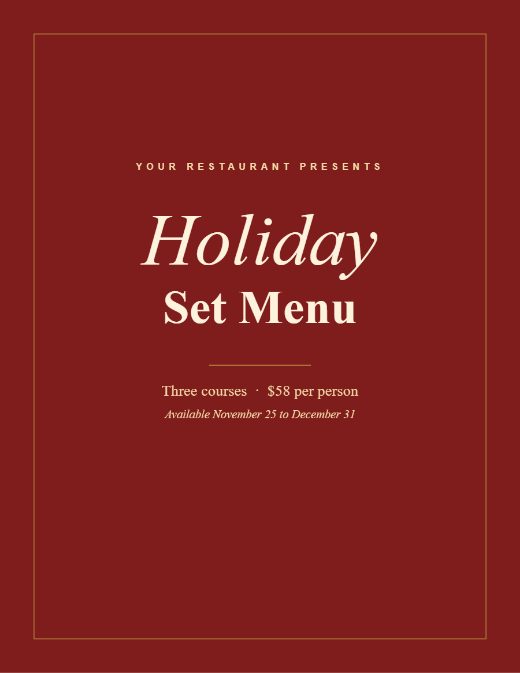
Open one in the Studio, change the words and add your photos. Or download the PDF to edit elsewhere.
How it works
Three steps
- Pick a menu template, or drop in the menu you already have as a PDF.
- Change the words and prices with the Text tool, or edit your menu in Word and republish to the same link.
- Print the QR code on a table card, and share the link on your site and your socials.
Guides
Read more
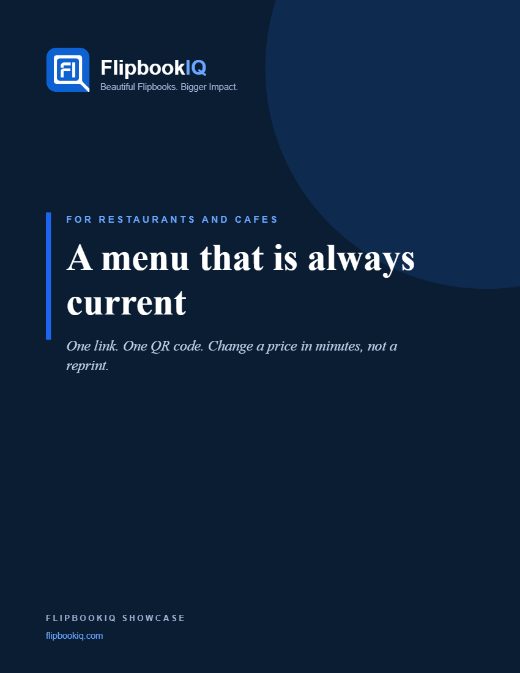
A restaurant menu you can update without reprinting
Put a QR code on the table and keep the menu current. How to make a menu flipbook, fix a price in a minute, and keep the printed codes working.
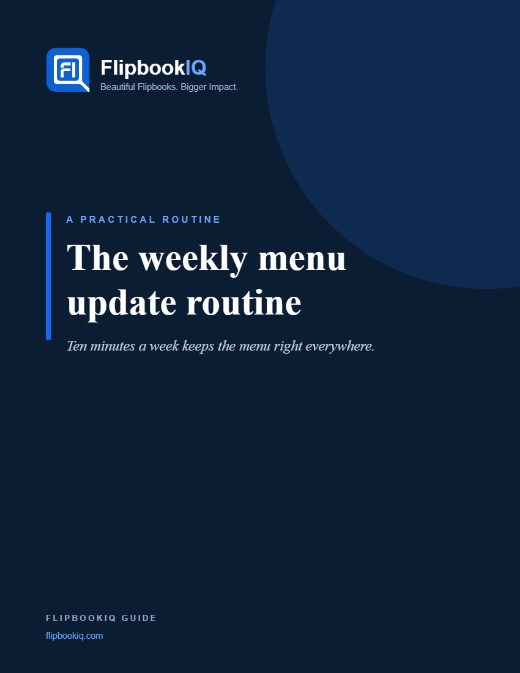
A weekly routine for a seasonal menu that is never wrong
Menus change with the market. A simple weekly routine keeps a flipbook menu current, the QR code on the table the same, and the old PDF out of circulation.
Put a QR code on every page of your printed catalog
Print a unique QR code for each page so a printed catalog links to the live page, with current prices and details. How Print Bridge works.
Guide · 4 pages · asks for your email
Guide · 4 pages · asks for your email
Questions
The short answers
Do my guests need an app?
No. A flipbook opens in the web browser on any phone or computer, with no account and no download.
What happens to the QR code when I change the menu?
Nothing. The QR code points at the flipbook’s link, and that link always shows the latest version you published.
Can I put the menu on my own website?
Yes. The share window gives you an embed code to paste into your site.
Know someone who would use this?
Make your menu a flipbook today
Free to start. Pick a template and have a link to share in a few minutes.