
For HR and people teams
Handbooks people read, and confirm they read
Put the handbook or a policy change in one link. When it changes, update it and everyone sees the new version. Switch on read-and-acknowledge and you can see who has confirmed, and when.
Free to start · No card · Your file never leaves your computer
Why a flipbook
Better than sending a PDF
See who has read it
Readers confirm with their name and email. You see who confirmed and when. Part of the paid plans.
One version, always current
Update a policy and the same link shows the new text. No more old copies in inboxes.
Questions come back to you
Readers can report a page as confusing or out of date, with a note.
What it does for you
Features that fit
Some of these are part of the paid plans. The pricing page shows which.
Read and acknowledge
Ask readers to confirm they have read it. You get their name, email and the time.
Reader feedback
A reader flags a page as confusing, out of date, broken or wrong, with a note.
Check pay and benefit tables first
When you publish a spreadsheet, a check looks for things like Social Security numbers and bank details and leaves them out by default.
Control who gets in
Add a password or an end date, or ask for an email first. Part of the paid plans.
Searchable, and works with a screen reader
The text of every page is selectable and searchable.
Update without redistributing
Publish a new version and the link keeps working.
Free starting points
Templates made for this
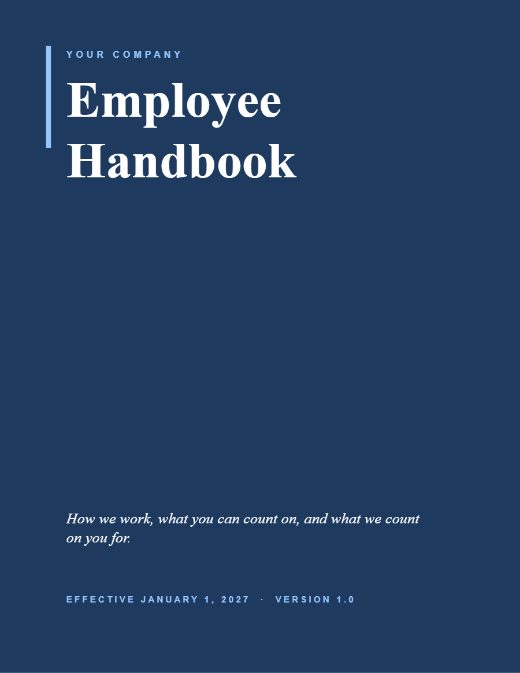
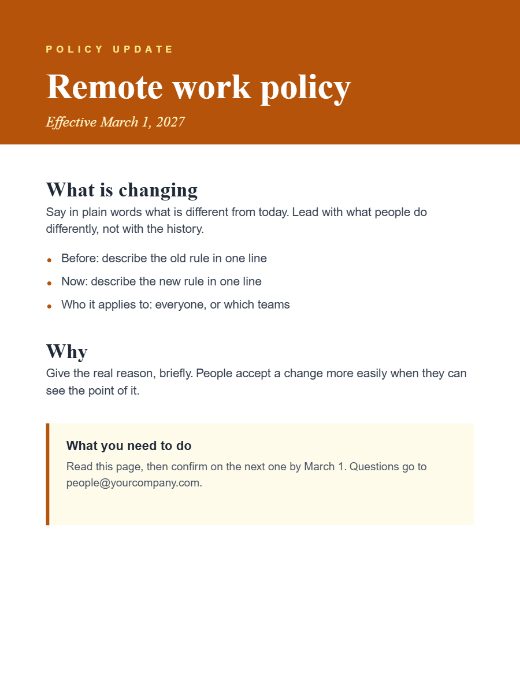
Open one in the Studio, change the words and add your photos. Or download the PDF to edit elsewhere.

How it works
Three steps
- Start from the handbook or the policy notice template, or upload what you have.
- Switch on Read and acknowledge, and share the link with your team.
- Open the Readers tool to see who has confirmed. Update the policy later in the same flipbook.
Guides
Read more
How to roll out a policy change so people read it
A short checklist for announcing a policy change: what to say, how to share it, how to confirm people have read it, and what to do about those who have not.
What goes in an employee handbook
An outline of what a handbook usually covers, in what order, and how to keep it short enough to be read. Not legal advice; a starting point you adapt.
How to keep a record of who read the new policy
Handbooks and policies need more than a link. How read-and-acknowledge records who confirmed which version, and what it can and cannot prove.
Guide · 5 pages · asks for your email

Questions
The short answers
Does it track employees?
No. Readers are not tracked. The one deliberate exception is when you switch on Read and acknowledge: the reader types their name and email to confirm, and you see who confirmed and when.
Are the templates legal advice?
No. They are outlines with placeholder text. Check what your state or country requires, and have the final wording reviewed by someone qualified.
What happens when I change the policy?
Publish a new version. The link stays the same and readers see the new text.
Know someone who would use this?
Publish your next policy with confidence
Free to start. Read and acknowledge is part of the paid plans.