
For real estate agents
Property brochures people actually open
A listing in one link: photos, key facts, the neighborhood and your contact details. Put the QR code on the sign, send the link to a buyer, and change the price later without sending anything again.
Free to start · No card · Your file never leaves your computer
Why a flipbook
Better than sending a PDF
The sign opens the brochure
A QR code on the yard sign or the flyer takes a passer-by straight to the listing.
Fix the price in one place
Update the flipbook and everyone who has the link sees the new version.
Private when it needs to be
Add a password or an end date for an off-market listing.
What it does for you
Features that fit
Some of these are part of the paid plans. The pricing page shows which.
Password and end date
Keep a listing private, and have the link stop working on the day you choose. Part of the paid plans.
Ask for an email first
Ask readers for an email address before they open it, and download the list. Part of the paid plans.
Photos and floor plans
Place your own photos on a page, or search a free photo library.
QR code for signs and flyers
Print one QR code for the whole brochure, or one for a single page.
On your website
Embed the brochure on your site or your listing page.
A PDF for people who want paper
Readers can download the flipbook as a searchable PDF, unless you switch that off.
Free starting points
Templates made for this
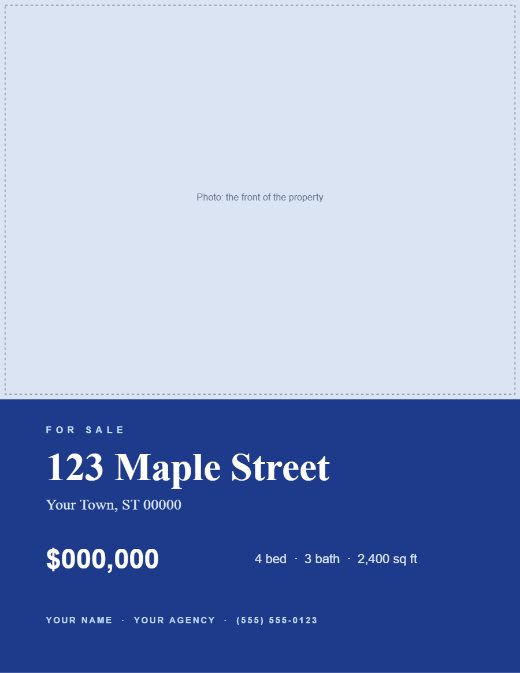
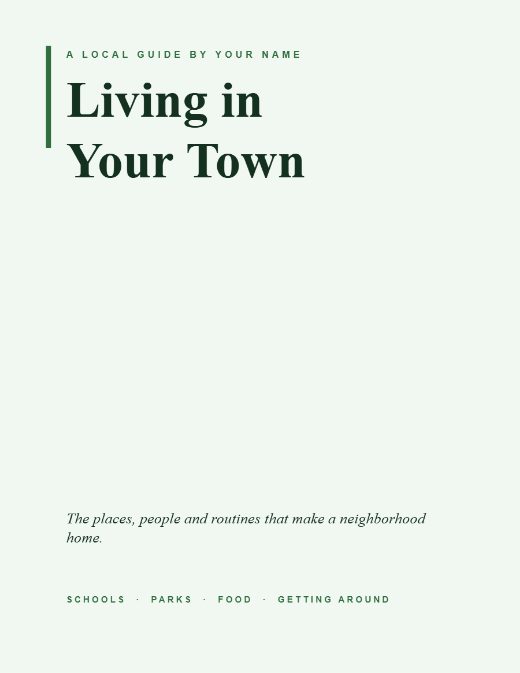
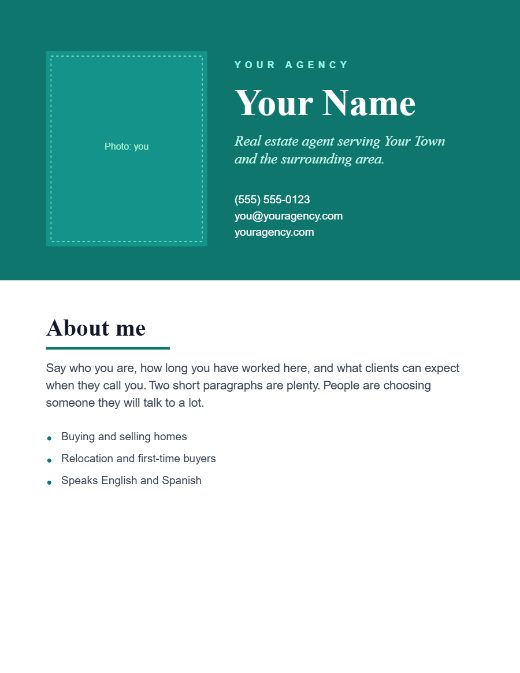
Open one in the Studio, change the words and add your photos. Or download the PDF to edit elsewhere.
How it works
Three steps
- Start from the property listing template, or upload the brochure you already have.
- Add your photos, the price and the facts. Add a password if the listing is private.
- Print the QR code for the sign and send the link. Change the price later in the same flipbook.
Guides
Read more
What goes in a property brochure, and what to leave out
The pages a buyer wants, in the order they want them: photos, facts, the neighborhood and how to reach you. Plus what to leave out and how to keep it current.
How to share an off-market listing privately
A password, an end date and an email first: how to share a listing with only the people you choose, and have the link stop working when you want it to.
Put a QR code on every page of your printed catalog
Print a unique QR code for each page so a printed catalog links to the live page, with current prices and details. How Print Bridge works.
Questions
The short answers
Can I see who opened the brochure?
You can see how many times it was opened. If you ask for an email first, you also get the email addresses people entered. Nothing else about a reader is recorded.
Can I stop the link working after the sale?
Yes. Set an end date and the link stops working on that day. This is part of the paid plans.
Do buyers need to install anything?
No. It opens in the browser on a phone or a computer.
Know someone who would use this?
Give your next listing a link
Free to start. Start from the property template and have a brochure to share today.