
For catalogs and price lists
Catalogs and price lists that are always current
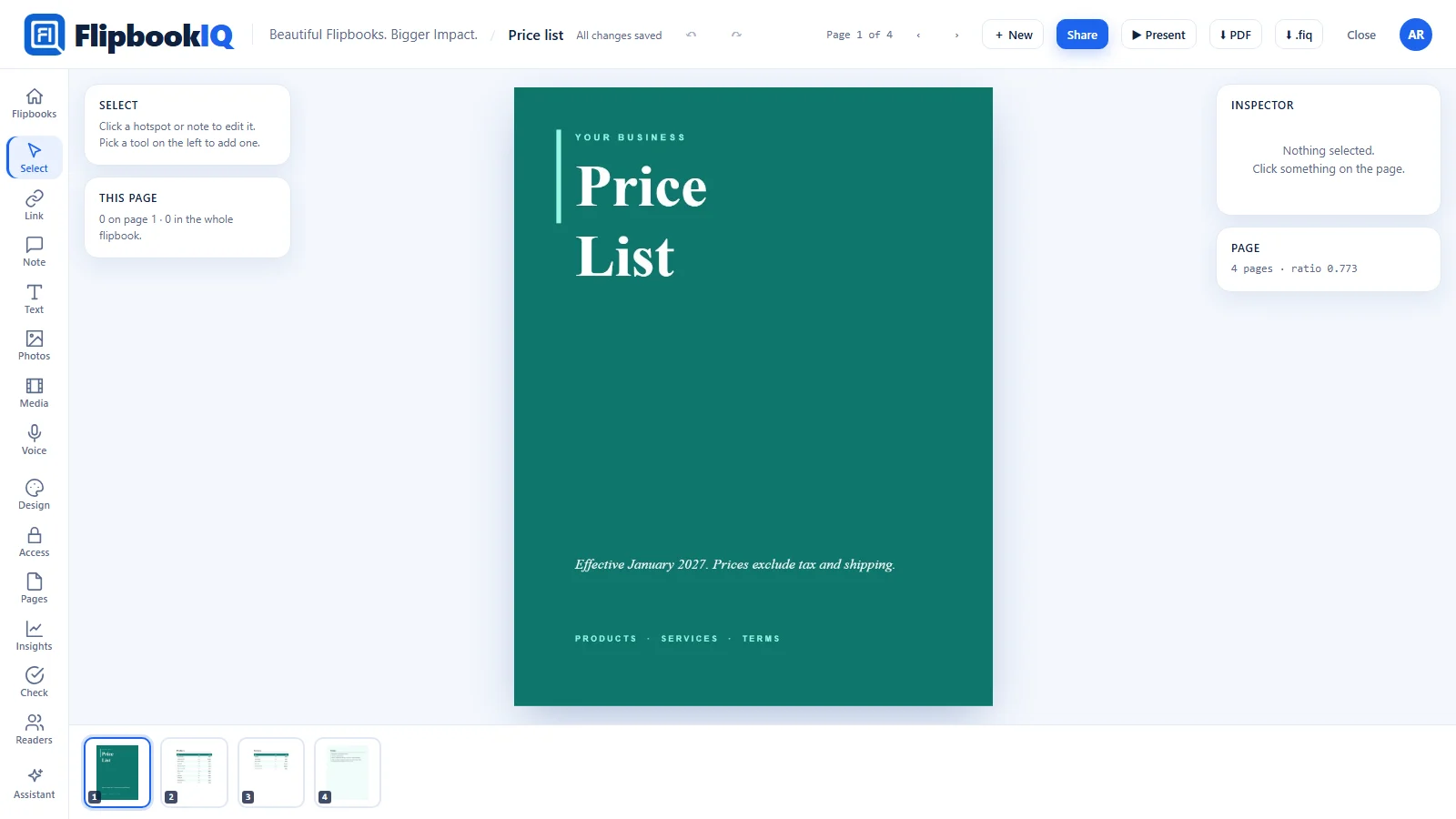
Send one link instead of a PDF that is out of date the day after. Put your prices in a table buyers can sort and filter, add a calculator for quotes, and print a QR code on the paper catalog that opens the live one.
Free to start · No card · Your file never leaves your computer
Why a flipbook
Better than sending a PDF
No more old PDFs
Change a price and the same link shows it. There is one version, and it is the current one.
A table buyers can use
Readers can sort, filter and search a price table. Part of the paid plans.
Paper that points online
A QR code on every printed page opens the live catalog.
What it does for you
Features that fit
Some of these are part of the paid plans. The pricing page shows which.
Interactive price tables
Turn a spreadsheet range into a table readers can sort, filter and search, and download as CSV if you allow it.
A quote calculator
Add a calculator to a page: quantity, discount and tax in, a total out. What a reader types stays in their browser.
Prices from Excel or CSV
Start from a spreadsheet and keep your formatting, with a check for sensitive data first.
QR code on every page
Print one on the paper catalog so it opens the online one.
Download as a PDF
Buyers who want a file can download a searchable PDF.
On your website
Embed the catalog, or put every catalog on one bookshelf page.
Free starting points
Templates made for this
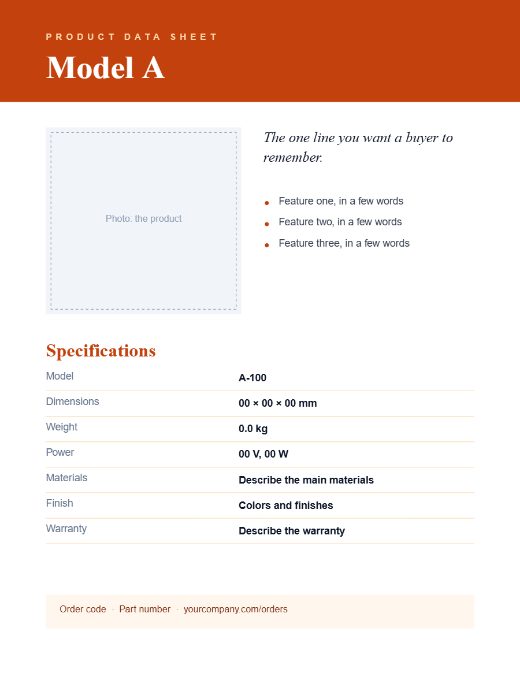
Open one in the Studio, change the words and add your photos. Or download the PDF to edit elsewhere.



How it works
Three steps
- Start from a catalog, price list or spec sheet template, or from your spreadsheet.
- Turn the price table interactive, and add a calculator if buyers ask for quotes.
- Share the link, embed it on your site and print the QR code on your paper catalog.
Guides
Read more
Price lists that are always right: one link, no old PDFs
An emailed price list is wrong the moment a price changes. Publish it as a flipbook so there is one version, and let buyers sort and filter the table.
Add a quote calculator to your price list
Let buyers work out their own total on the page: quantity, discount and tax in, a price out. How to build the calculator in the Studio, step by step.
Put a QR code on every page of your printed catalog
Print a unique QR code for each page so a printed catalog links to the live page, with current prices and details. How Print Bridge works.



Questions
The short answers
Can buyers filter the price list?
Yes, on the paid plans. Readers press Explore this table to sort, filter and search it.
Can I add a quote calculator?
Yes, on the paid plans. You choose the inputs and write the formulas, and readers see the results change as they type.
What happens to old links when prices change?
They keep working and show the latest version.
Know someone who would use this?
Make your catalog the one everyone sees
Free to start. Start from a template or your own spreadsheet.